
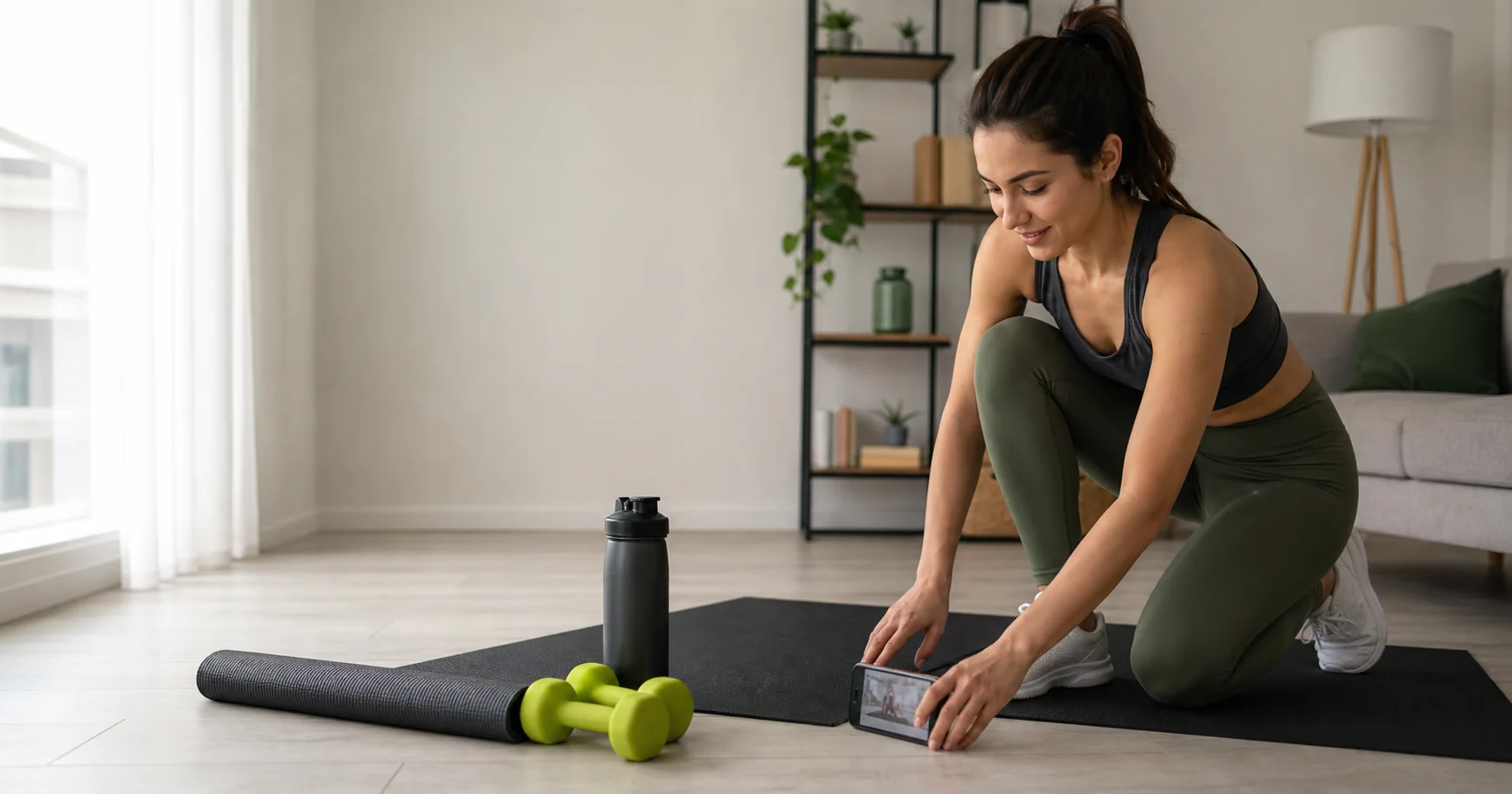
Best Workout Apps for Beginners With Limited Time
A beginner-friendly guide to workout apps that explain the basics, keep sessions short, and make progress feel manageable.
By Reset90 AI
Short answer: Beginners with limited time should choose a workout app that explains each movement clearly, offers short sessions, starts with a small number of repeatable patterns, and tells them how to progress without constant guesswork.
You do not need an advanced program to begin. You need a path that feels safe, understandable, and possible on a normal week.
What makes an app beginner-friendly?
Beginners have two jobs at once: learn how to train and build the habit of training. An app that assumes you already know the language of sets, reps, intensity, and recovery creates friction before the workout even starts.
Look for:
- Clear movement demonstrations and plain-language instructions.
- A small exercise menu that gives you repetition without boredom.
- Warm-up and cooldown guidance when appropriate.
- Time options that fit 15, 25, and 40-minute windows.
- Progress signals that do not require testing your limits.
- A way to ask for help or recognize when professional guidance is needed.
Start with the basic movement patterns
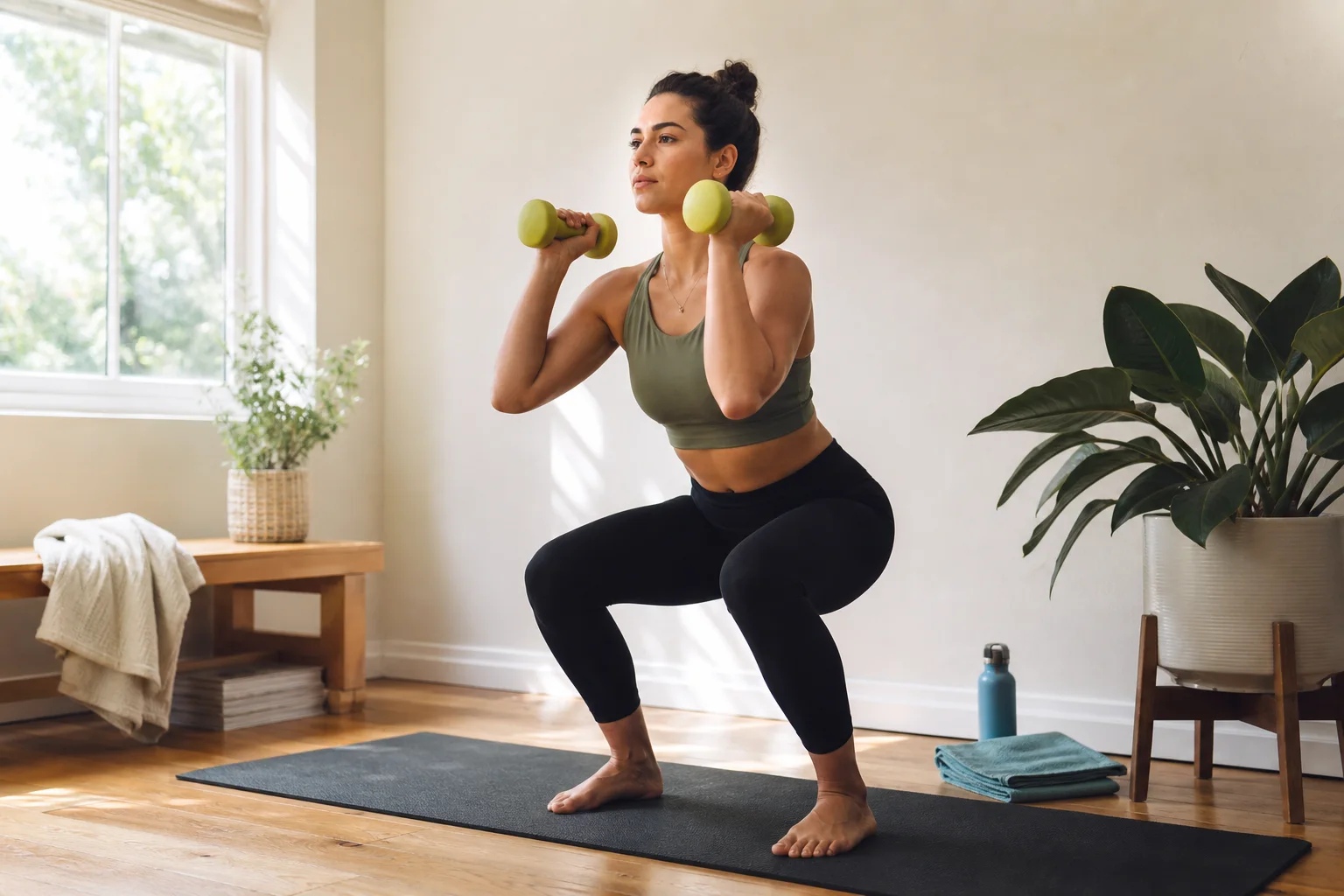
A beginner does not need to memorize every exercise variation. Start with a few patterns: squat or sit-to-stand, hinge, push, pull, carry, brace, and a simple form of conditioning. The exact exercise depends on your equipment and experience.
Repeating a pattern helps you learn. It also gives the app enough history to recommend a useful next step. Variety can come later.
Why short sessions are not a compromise
A short session can be the right session. When time is limited, keep the highest-value pieces: a warm-up that prepares you, one or two main patterns, and a brief finish. You can build capacity by repeating this structure and adding time only when it fits.
The worst beginner plan is not a short plan. It is a plan so ambitious that the person cannot return to it.
Which app style should a beginner choose?
Guided video app
Good if you want someone to talk you through the session and you enjoy following along. Check whether the videos connect into a progression.
Workout planner
Good if you want a clear order and a written record. Choose one that explains why the exercises are there and offers simple alternatives.
Adaptive planner
Good if your time and energy change. It can help you choose the full or short version instead of skipping because the original workout no longer fits.
Personal coaching
Good if you are nervous about technique, have a complicated history, or know you need real-time accountability.
Five beginner questions to use during a trial
- Can I understand today’s workout without searching for extra explanations?
- Can I complete it with the equipment I actually have?
- What is the shorter version when I am busy?
- How does the app tell me what to do next week?
- Does the tone make me feel capable or behind?
Reset90 AI is designed for people who want a clear reset without pretending they have unlimited time. Start with the busy-person workout planning guide and then try Reset90 AI on the App Store.
General educational information only. Beginners with pain, medical conditions, or uncertainty about exercise should seek qualified guidance.
The Reset90 system
Useful ideas for building a body you can keep.
Training notes, product updates, and practical ways to make your next 90 days count.
Start your next 90 days
Get your daily training, nutrition, and check-in priorities in one adaptive system.


Keep reading
Related articles
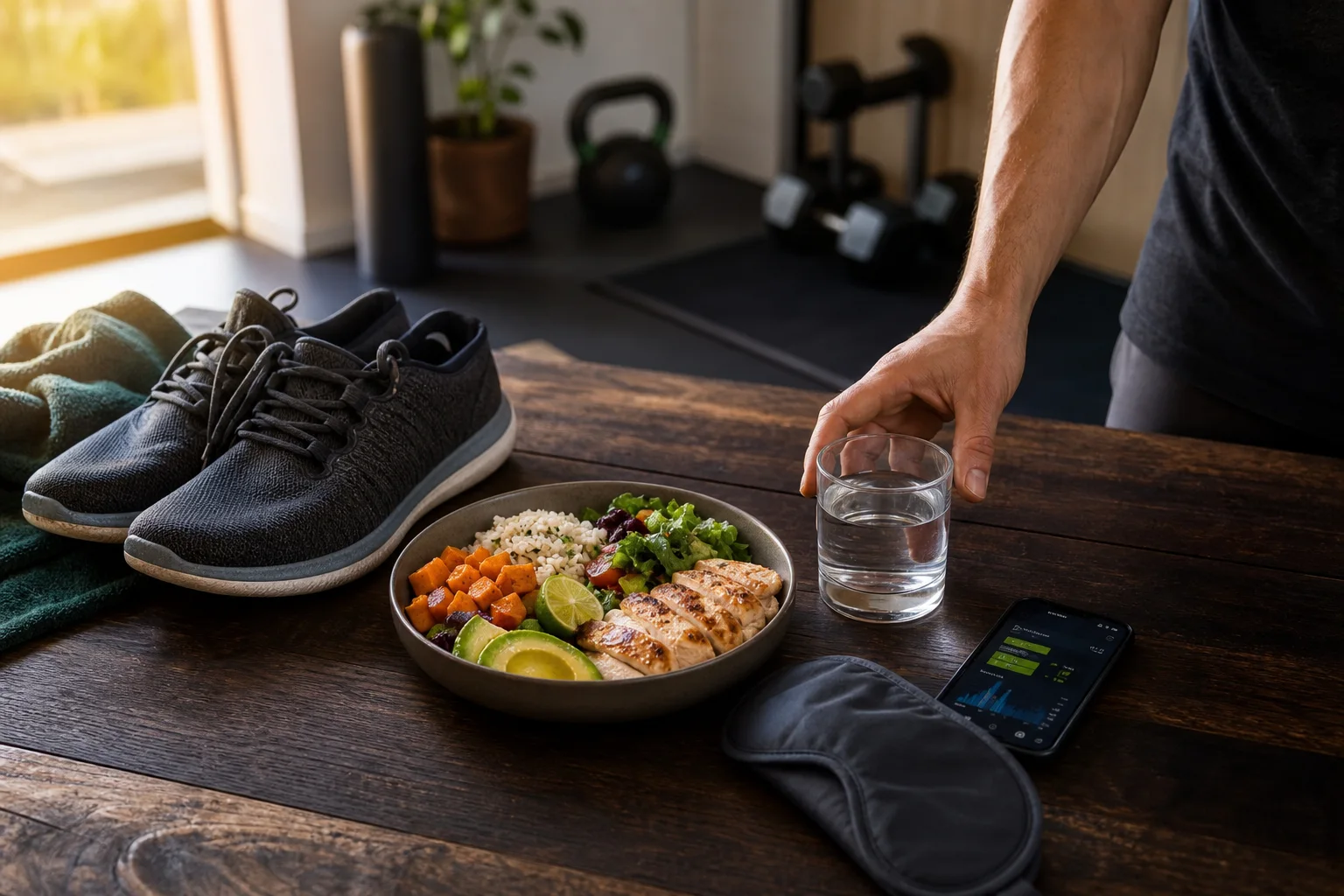
Best Apps for Training, Nutrition, and Recovery Together
How to choose one fitness system that connects workouts with food, sleep, and recovery without turning your day into a spreadsheet.
Read article
Best Workout Planning Apps for Busy People
A practical guide to choosing a workout planning app when your calendar changes every week and consistency matters more than a perfect schedule.
Read article
Best Fitness Apps for Staying Consistent
The best fitness apps for consistency reduce daily decisions, make missed sessions recoverable, and help you see progress beyond a single workout.
Read article